Introduction
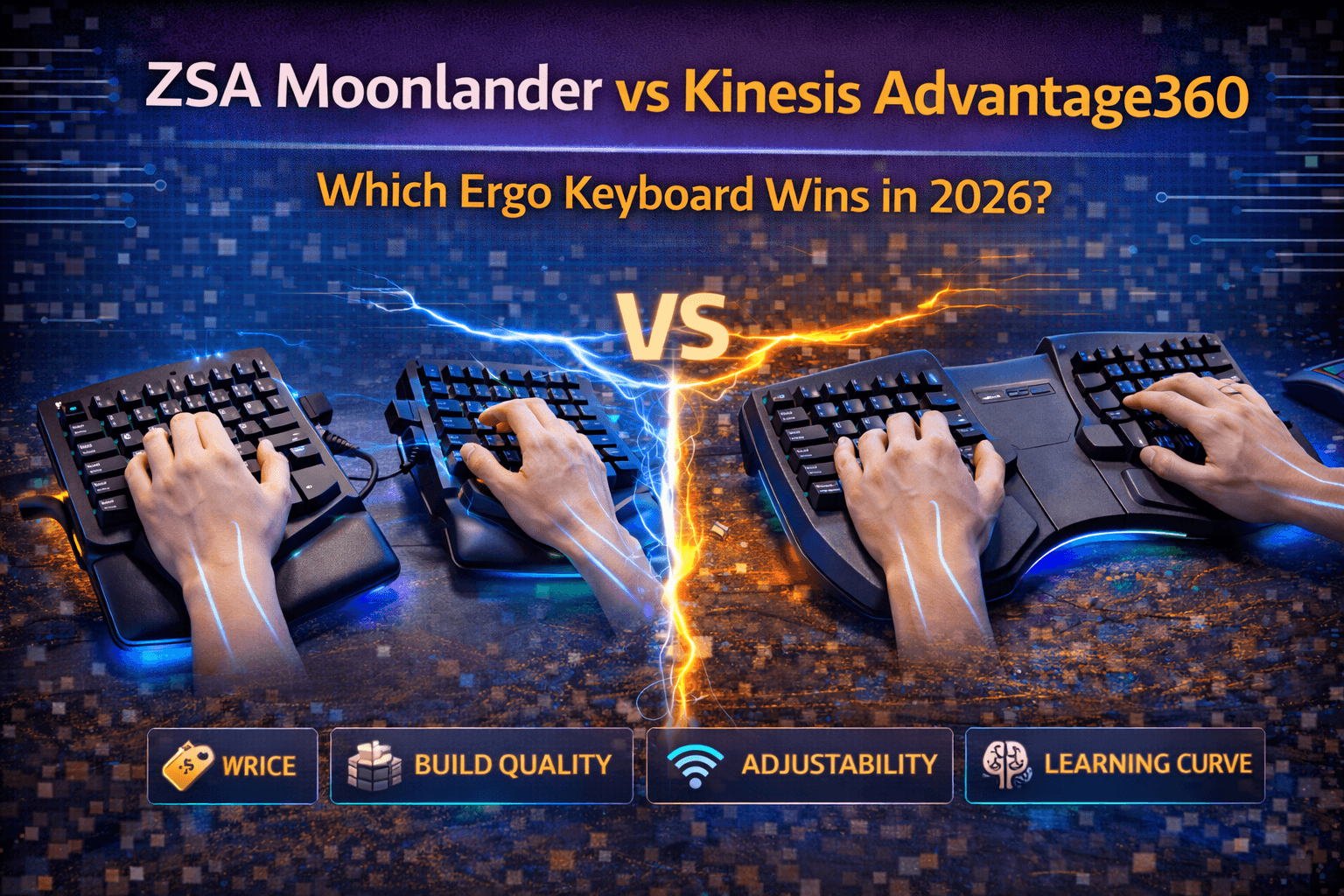
ZSA Moonlander and Kinesis Advantage360 represent premium ergonomic keyboards designed for people who need maximum comfort and customization or suffer from serious repetitive strain injuries. At $365-430, these aren't casual purchases—they're investments in long-term ergonomic health, productivity enhancement, or tools for serious enthusiasts who've tried everything else and need the best available production ergonomic keyboards. For data-heavy professionals weighing long-session comfort, see our best keyboards for accountants and finance professionals. Understanding differences between these premium ergo keyboards helps justify significant investment and clarifies which approach aligns with your needs, hand size, typing style, and ergonomic priorities.
Both keyboards deliver exceptional ergonomics through split designs and advanced construction, but approach the problem from fundamentally different philosophies. Moonlander offers maximum configurability through columnar-staggered layout, large thumb clusters, and complete programmability via QMK, enabling users to create optimal setups through customization and adaptation. Advantage360 provides contoured keywells with ortholinear layout and traditional typing feel adapted to ergonomic positioning, delivering immediate comfort that feels surprisingly natural despite radical appearance.
The comparison isn't about which keyboard is objectively superior—both excel at ergonomics and justify their price tags. It's about matching design philosophy to your needs. Moonlander suits people wanting complete customization and willing to invest 4-8 weeks relearning typing for maximum long-term ergonomic benefits. Advantage360 suits people wanting maximum immediate comfort, proven ergonomic design refined over 15+ years, and wireless freedom. Both require significant adaptation periods and substantial financial commitment. This guide helps you understand which investment makes sense for your situation, ergonomic needs, hand size, and preferences.
Note: This guide contains affiliate links. If you purchase through our links, we may earn a commission at no extra cost to you. This helps support our in-depth testing and content creation.
Design Philosophy and Approach
ZSA Moonlander: Maximum Configurability
Moonlander represents radical ergonomic design prioritizing complete customization and programmability over traditional typing feel. The philosophy is straightforward: provide completely adjustable platform enabling users to create optimal setups through configuration and hardware positioning rather than predefined ergonomics.
Design approach:
- Columnar-staggered layout (grid arrangement with vertical alignment but horizontal stagger) reducing finger travel
- Fully split halves enabling shoulder-width positioning with independent adjustment
- Continuously adjustable tenting via included stands accommodating various pronation reduction preferences
- Massive thumb clusters with six keys per hand redistributing substantial typing load from pinkies to stronger thumbs
- Complete programmability through QMK firmware and Oryx web configurator enabling unlimited customization, macros, tap-dance, and layer switching
- Hot-swap switches enabling future switch upgrades without soldering
Target users: Programmers wanting maximum customization, keyboard enthusiasts willing to relearn typing, people prioritizing features and flexibility, and those seeking tools rather than plug-and-play keyboards.
Kinesis Advantage360: Refined Traditional Ergonomics
Advantage360 is wireless successor to legendary Advantage keyboard adding split design to proven ergonomic approach refined over 15+ years. The philosophy prioritizes achieving ergonomic perfection through contoured design matching natural hand positions. Minimize learning curve and adaptation time while maximizing immediate comfort.
Design approach:
- Contoured keywells—concave bowls with heights matching individual finger lengths
- Ortholinear layout positioning keys straight vertically without stagger, aligning perfectly with finger movement patterns
- Split design with adjustable tenting enabling shoulder-width positioning
- Moderate thumb clusters with four keys per hand positioned within natural reach
- Wireless connectivity via 2.4GHz and Bluetooth on Pro model
- Programmable firmware with SmartSet software and VIA support enabling customization without requiring advanced technical knowledge
Target users: People with RSI and pain seeking proven ergonomic solutions, writers and professionals typing 6-8+ hours daily (our best keyboards for writers and authors covers non-ergonomic alternatives optimised for long writing sessions), users wanting ergonomics with minimal learning curve, and those valuing proven design over maximum customization.
Philosophy Differences
The core philosophies diverge dramatically:
- Moonlander philosophy: "Adapt to optimal ergonomics through customization and learning."
- Advantage360 philosophy: "Design ergonomics that feel natural and comfortable immediately."
These philosophies manifest clearly in products. Moonlander requires learning new layout, understanding thumb clusters, and discovering optimal positioning. Advantage360 feels surprisingly natural and intuitive despite radical appearance, enabling productive typing within days rather than weeks.
Ergonomics and Comfort
Moonlander Ergonomic Profile
Moonlander's split design enables complete separation, positioning halves at shoulder width, eliminating ulnar deviation (wrist bending toward pinky). Adjustable tenting through included stands accommodates various pronation reduction preferences—negative incline for flat positioning, positive incline for pronation reduction, vertical angles for specific needs.
The columnar-staggered layout reduces finger travel significantly. Keys arranged vertically align with natural finger movement, reducing the diagonal stretching required by traditional QWERTY stagger. Sculpted key wells provide moderate contouring, less dramatic than Kinesis but more ergonomic than flat boards. Thumb clusters with six keys each redistribute substantial typing load—backspace, delete, space, enter, and additional keys move to thumbs, dramatically reducing pinky strain.
Included magnetic wrist rests are removable and adjustable, enabling precise positioning. Complete flexibility in positioning enables personalized ergonomics matching individual hand anatomy and preferences.
Ergonomic benefits:
- Complete ulnar deviation elimination
- Significant pronation reduction
- Load redistribution to stronger thumbs
- Straight wrist alignment
Adaptation period: Significant—typically 4-8 weeks—but users report dramatic ergonomic improvements once adjusted.
Advantage360 Ergonomic Profile
Advantage360's defining ergonomic feature is contoured keywells—scooped bowls matching hand shape with keys positioned at varying heights corresponding to finger lengths. This is Kinesis's signature feature, proven effective over 15 years. Keys arranged ortholinearly (straight vertical columns) align perfectly with natural finger movement. Extended wrist rests positioned above keywell peaks provide ergonomic support unusual in mechanical keyboards.
Split design enables shoulder-width positioning, eliminating ulnar deviation. Built-in tenting offers three adjustable levels (not continuously adjustable like Moonlander but adequate). Column-stagger layout feels more natural than QWERTY because keys align with finger positions rather than forcing diagonal stretching.
The contoured wells create hand positioning that feels immediately natural despite radical appearance. Users report that hands instinctively position correctly within the bowls—ergonomic benefits feel intuitive rather than requiring conscious effort.
Ergonomic benefits:
- Contoured wells matching hand anatomy perfectly
- Ortholinear layout enabling natural finger movement
- Eliminated ulnar deviation
- Pronation reduction through tenting
- Reduced pinky strain through moderate thumb clusters
Adaptation period: 2-4 weeks typically—significantly shorter than Moonlander—because design feels natural quickly despite requiring typing habit retraining.
Ergonomic Comparison
- Most natural immediate comfort: Advantage360—contoured wells feel intuitively right from day one. Moonlander requires longer adaptation before ergonomic benefits manifest.
- Maximum customization flexibility: Moonlander—every aspect continuously adjustable. Advantage360 more rigid but still accommodates varied needs through tenting levels.
- Best for RSI and pain management: Advantage360 has slight edge. Contoured wells provide proven ergonomic benefit, raised wrist rests position hands optimally, and design refined over 15+ years managing RSI. However, Moonlander's flexibility and customization enable equally effective ergonomic solutions for those willing to experiment.
- Best thumb usage: Moonlander with six keys per thumb vs Advantage360's four. Distributes more load to stronger thumbs.
Both keyboards deliver exceptional ergonomics justifying their premium prices. Moonlander requires more adaptation but offers more customization. Advantage360 adapts faster and feels more natural. The choice between them is less about ergonomic superiority—both excellent—and more about adaptation willingness and customization priorities.
See our ergonomic keyboards guide for more on ergonomic keyboard benefits.
Features and Functionality
Moonlander Features
Programmability stands out as Moonlander's defining advantage. Complete QMK programmability via Oryx web-based configurator enables unlimited layers, macros, tap-dance, home-row mods, and any QMK features. This exceeds Advantage360's SmartSet programmability dramatically. Users can create complex workflows impossible on other keyboards. See our keyboard firmware guide for more on QMK capabilities.
Hot-swap switches using Kailh sockets enable switch changes without soldering. Enables future experimentation—try different switches over time.
Per-key RGB lighting customizable by layer—can indicate active layers or display custom patterns.
Adjustable tenting via included stands enables various angles. Included magnetic wrist rests removable and adjustable.
Switches: Available in multiple types—Cherry MX and Kailh options enabling choice.
Connectivity: USB-C wired only (no wireless).
Build quality: Excellent—rigid chassis, quality materials, doubleshot PBT keycaps standard (unusual for $365).
Assessment: Maximum features for customization enthusiasts. Programmability via Oryx is outstanding and intuitive. Hot-swap enables lifelong customization. No wireless is notable limitation.
Advantage360 Features
Wireless connectivity is Advantage360's killer feature—something Moonlander lacks entirely. 2.4GHz wireless with Bluetooth on Pro model provides freedom from cables. Battery life exceeds 40 hours typical with rechargeable USB-C. Major advantage for desk setup flexibility.
Programmability through SmartSet software enables remapping and customization. Less powerful than QMK—no hot-swap means experimenting requires purchasing different keyboard. VIA support enables community remapping but requires more technical knowledge than Advantage360's SmartSet.
Switches: Cherry MX Brown or Gateron Brown (limited options, soldered not hot-swap).
Contoured keywells: Signature feature—irreplaceable.
Function key row with labeled keys—something Moonlander lacks.
Build quality: Excellent—solid construction, heavy feel (different than Moonlander's refined approach).
Assessment: Strong feature set with wireless as killer advantage over Moonlander. Less programmability but adequate for most users. Soldered switches limit experimentation.
Feature Comparison
| Category | Winner |
|---|---|
| Most features overall | Moonlander (hot-swap, RGB, QMK, completely customizable) |
| Best wireless | Advantage360 (only option with tri-mode connectivity) |
| Best programmability | Moonlander (unlimited QMK vs limited SmartSet) |
| Best switch flexibility | Moonlander (hot-swap enables any switch) |
| Most convenient | Advantage360 (wireless freedom from cables) |
Learning Curve and Adaptation
Moonlander Learning Curve
Initial period: Very challenging. Columnar layout and thumb clusters feel completely foreign to users accustomed to traditional QWERTY. Speed and accuracy decline dramatically.
Expect 50-70% of normal typing speed initially. First week is particularly frustrating as muscle memory from years of QWERTY typing fights the new layout.
Adaptation timeline:
- Week 1-2: Very slow with many errors
- Week 3-4: Improving with still deliberate typing
- Week 5-8: Approaching normal speed
- Week 8+: Full speed with developed muscle memory
Practical tips:
- Use typing trainers like Monkeytype or TypeRacer for focused practice
- Don't alternate with regular keyboard initially—commit fully to avoid confusing muscle memory
- Customize layout gradually after basic comfort—don't change everything simultaneously
- Start with default Moonlander layout before optimization
Moonlander timeline: 4-8 weeks to full productivity, with continued improvement for 2-3 months.
Advantage360 Learning Curve
Initial period: Weird but more manageable than Moonlander. Contoured keywells feel wrong at first but adaptation happens faster because layout feels less foreign. Column-stagger is less radical than columnar-staggered plus thumb clusters.
Expect 20-30% initial speed loss on average (some users experience more). Not comfortable initially but functional typing possible within days.
Adaptation timeline:
- Week 1: Slow but functional typing
- Week 2-3: Improving steadily
- Week 3-4: Approaching normal speed
One user reported: 110 WPM baseline → 17 WPM first test → 71 WPM after three weeks with dedicated training. Another: 100 WPM → 10 WPM initially → 80 WPM after six weeks → 90+ WPM after one year with improved technique.
Practical tips:
- Trust the contours even though they feel wrong initially—design intentionally guides hands to correct positions
- Thumb keys require practice but adapt quickly
- Don't expect QWERTY feel but be patient—adaptation faster than Moonlander despite steeper initial drop
Advantage360 timeline: 2-4 weeks to functional productivity, 2-3 months to approach normal speed, 3-6 months to full mastery with improved technique.
Learning Curve Winner
Advantage360 clearly superior for faster adaptation. While initial speed loss steeper, overall time to productivity shorter. Moonlander requires more patience—4+ weeks vs 2-3 weeks for Advantage360. Advantage360 better if you need to remain productive during adaptation. Moonlander acceptable if you can afford 1-2 weeks severely reduced productivity.
Pricing and Value Analysis
Moonlander Pricing
Price: $365 USD standard configuration
Included:
- Keyboard with keycaps
- Wrist rests (magnetic, removable)
- Tenting stands
- USB-C cable
- Switch options available (Cherry MX or Kailh)
- Shipping additional
Value assessment: Excellent for features provided. Hot-swap switches, RGB backlighting, complete QMK programmability, quality PBT keycaps, and included accessories justify price. Compared to Advantage360's $430, Moonlander $365 offers more customization features at lower price. Value leader on features per dollar.
Advantage360 Pricing
Price: $430 USD wireless with Bluetooth (Pro model) or approximately $400 for wired USB version
Included:
- Keyboard
- Wireless dongle
- USB-C cable
- Switch options: Gateron Brown or Kailh Pink (limited choices, soldered)
- Shipping additional
Value assessment: Wireless and contoured wells justify premium over Moonlander. 15+ years of proven ergonomic design and wireless connectivity add value beyond raw feature count. Premium for wireless and proven ergonomics reasonable for serious users.
Value Verdict
- Better value objectively: Moonlander ($365, more features, hot-swap, RGB, QMK)
- Worth premium: Advantage360 if wireless and contoured wells are priorities
- Best investment: Choose based on actual needs rather than value optimization
Both expensive. Neither is casual purchase. Choose based on what matters to you—customization or wireless, configuration flexibility or proven ergonomics, feature set or simplified operation.
Who Should Buy Which?
Buy Moonlander If:
- You're a programmer wanting maximum customization and powerful macros
- You're an enthusiast willing to relearn typing for long-term ergonomic benefits
- Hot-swap switches appeal—want to experiment with different switch types
- RGB backlighting is desired feature
- You value QMK power and Oryx configurator flexibility
- Budget allows $365
- You're comfortable with learning curves and technical configuration
- You want features-rich keyboard justifying experimentation
Moonlander best for: Customization enthusiasts, programmers, people willing to invest adaptation time for maximum flexibility.
Buy Advantage360 If:
- You have RSI or pain driving purchase—need proven ergonomic solution
- You're writer or professional typing 6-8+ hours daily
- Wireless freedom is important for clean desk setup
- You want faster adaptation—productive within weeks not months
- Proven Kinesis ergonomics appeal over experimental customization
- Budget allows $430
- You prefer plug-and-play over extensive configuration
- You want design refined over 15 years managing RSI
Advantage360 best for: RSI sufferers, professionals needing immediate comfort, users prioritizing wireless convenience.
The Verdict
For most serious ergonomic buyers with RSI or pain: Advantage360 is better choice. Faster adaptation, wireless freedom, proven design with 15+ years of RSI management. The $430 investment includes wireless and contoured wells that immediately improve comfort.
For customization enthusiasts and programmers: Moonlander is better choice. Hot-swap switches, per-key RGB, and complete QMK programmability via Oryx enable personalization impossible elsewhere. $365 price provides excellent feature value compared to Advantage360. Willingness to invest 4-8 weeks adaptation unlocks powerful customization benefits.
Neither keyboard is worth purchasing unless you have serious ergonomic needs or genuine enthusiasm. Don't buy either casually. If you type extensively professionally or have RSI concerns, either keyboard can transform your experience. Choose based on whether wireless/contoured wells or customization/features matter more.
Frequently Asked Questions
Which is better for RSI and pain management?
Advantage360 has slight edge through contoured wells providing most natural hand positioning and proven 15+ year track record managing RSI. However, Moonlander's complete customization flexibility enables equally effective solutions for users willing to experiment. If RSI is primary concern, Advantage360's proven ergonomics are safer choice. If you want maximum customization alongside ergonomics, Moonlander works.
Is Moonlander learning curve worth investment?
If you're programmer or enthusiast wanting maximum customization, absolutely. QMK programmability and hot-swap enable powerful personalization unavailable elsewhere. If you need immediate productivity, learning curve harder to justify. 4-8 weeks reduced productivity is significant. Advantage360's 2-4 week adaptation better if you need to remain productive during transition.
Which has better build quality?
Both excellent, different approaches. Advantage360 feels heavier and more robust—"built like a tank" construction. Moonlander more refined with modern design, exposes mechanical elements aesthetically, folds for transport. Both justify premium pricing through build quality. Advantage360 more traditional robust quality, Moonlander more contemporary refined quality.
Can I use standard keycaps on these keyboards?
Moonlander yes—hot-swappable MX sockets accept any Cherry MX compatible caps. Can customize freely. Advantage360 difficult—non-standard ortholinear layout and contoured wells mean aftermarket caps don't fit optimally. Stick with stock keycaps on Advantage360. Major advantage for Moonlander if keycap customization matters.
Are these keyboards worth $300-400?
For people with serious ergonomic needs or extensive daily typing, absolutely. Both represent investments that pay off through reduced pain, improved productivity, and long-term health benefits. Not casual purchases—only worth considering if you have genuine ergonomic concerns or professional need. Don't buy either without serious need.
Conclusion
ZSA Moonlander and Kinesis Advantage360 represent premium ergonomic solutions for different users with fundamentally different priorities. Moonlander delivers maximum configurability through customizable hardware positioning, columnar layout, large thumb clusters, and complete QMK programmability. For enthusiasts willing to invest 4-8 weeks adaptation time, Moonlander enables personalized ergonomic solutions unavailable elsewhere. Hot-swap switches and RGB enable experimentation and customization throughout keyboard lifetime.
Advantage360 provides proven contoured ergonomics refined over 15+ years managing RSI and pain. Immediate comfort, faster adaptation timeline (2-4 weeks), and wireless connectivity appeal to professionals with serious ergonomic needs. Design feels natural quickly despite radical appearance—contoured wells intuitively guide hands to correct positions.
For most buyers with serious ergonomic needs: Kinesis Advantage360 is better choice. Proven design, wireless convenience, and faster adaptation justify $430 investment. Contoured wells provide immediate ergonomic benefit that feels natural without extensive learning. 15+ year track record managing RSI provides confidence.
For customization enthusiasts and programmers: ZSA Moonlander is better choice. Hot-swap switches, per-key RGB, and complete QMK programmability via Oryx enable personalization impossible elsewhere. $365 price provides excellent feature value compared to Advantage360. Willingness to invest 4-8 weeks adaptation unlocks powerful customization benefits.
Both keyboards are excellent investments for people who need them. Neither is casual purchase. If you have RSI, pain, or type 6-8+ hours daily professionally, either keyboard can dramatically transform your experience. Choose Advantage360 for proven ergonomics and wireless freedom. Choose Moonlander for maximum customization and features. Neither choice disappoints if you have genuine ergonomic needs.
Ready to explore more ergonomic options? Check our split keyboard guide for additional split keyboard recommendations.