Introduction
Gaming keyboard manufacturers want you to believe that polling rate is the secret ingredient separating winners from losers in competitive gaming. Marketing materials showcase 8000Hz keyboards as revolutionary technology that provides measurable competitive advantage. The reality is far less exciting, but understanding what polling rate actually does helps cut through the hype.
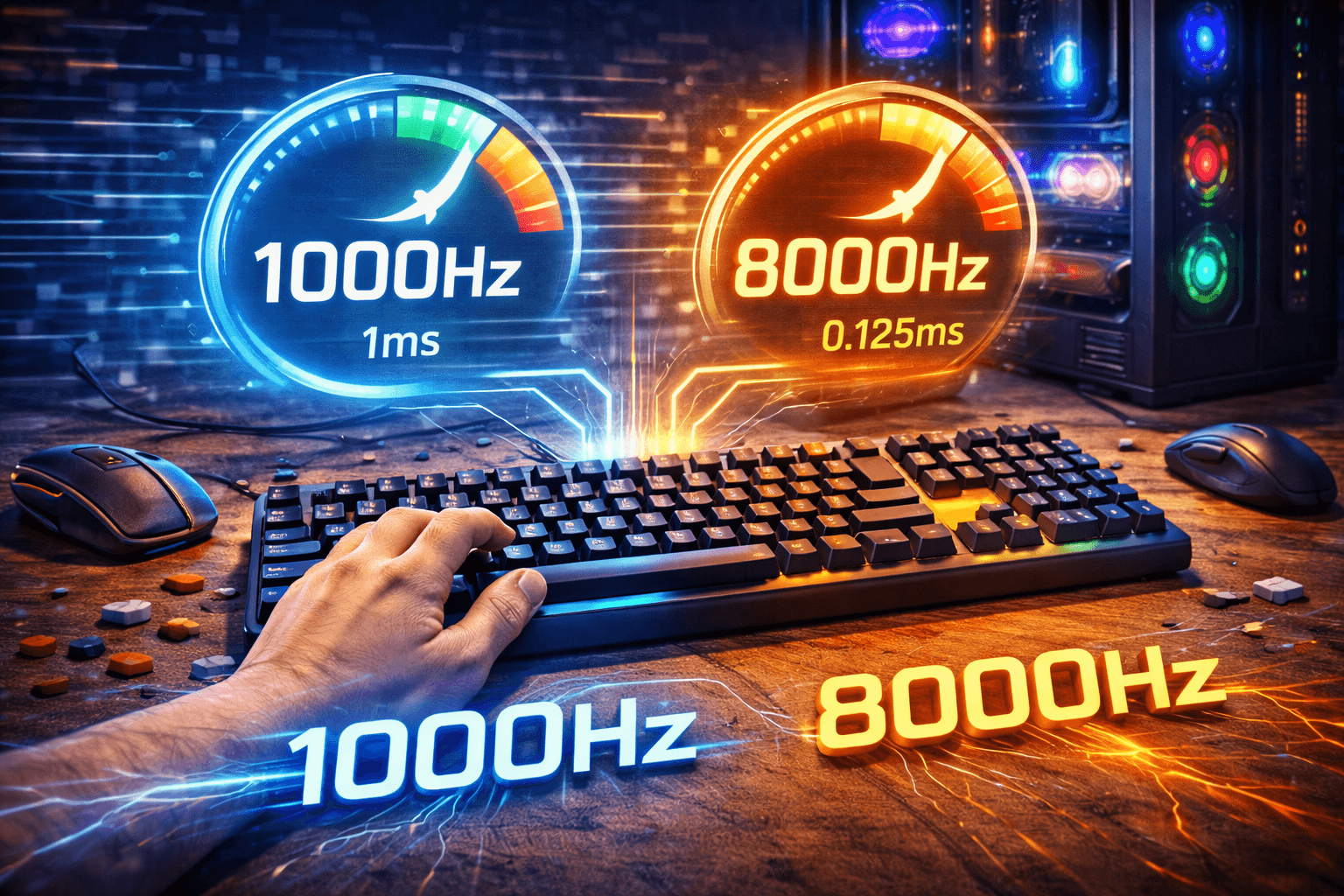
Polling rate measures how often your keyboard reports its status to your computer. A 1000Hz polling rate means the keyboard checks for key presses and reports to your computer one thousand times per second, or every millisecond. An 8000Hz keyboard does this eight thousand times per second, or every 0.125 milliseconds. Those numbers sound dramatically different, and they are—on paper. In practice, the difference is so small that even professional esports players can't reliably detect it in blind tests.
Here's the uncomfortable truth that keyboard companies won't emphasize: the bottleneck in keyboard response isn't polling rate, it's you. Human reaction time sits around 200-250 milliseconds for visual stimuli. The difference between 1 millisecond and 0.125 milliseconds is completely swamped by the variability in your own reaction speed. When you're operating on a 200 millisecond timescale, shaving off 0.875 milliseconds is meaningless.
That doesn't mean polling rate is irrelevant—going from 125Hz (8 millisecond delay) to 1000Hz (1 millisecond delay) does create a noticeable improvement in keyboard responsiveness. But the jump from 1000Hz to 8000Hz? Pure marketing. This guide explains what polling rate actually is, why it matters up to a point, and why you shouldn't pay extra for polling rates beyond 1000Hz unless you just enjoy having the biggest numbers.
Note: This guide contains affiliate links. If you purchase through our links, we may earn a commission at no extra cost to you. This helps support our in-depth testing and content creation.
What Polling Rate Actually Is
Understanding polling rate requires knowing how keyboards communicate with computers. Your keyboard doesn't just send a signal the instant you press a key—instead, your computer repeatedly asks "has anything changed?" at regular intervals. The polling rate determines how frequently these check-ins happen.
When you press a key on your keyboard, the switch closes and sends a signal to the keyboard's controller. The controller registers this change but doesn't immediately tell your computer. Instead, it waits for the next polling cycle when your computer checks in. At that moment, the controller reports "yes, key X is now pressed," and your computer registers the input. This creates a delay between pressing the key and the computer registering it. At 125Hz polling (once every 8 milliseconds), you might press a key and wait up to 8 milliseconds before the computer knows about it. At 1000Hz polling (once every millisecond), that maximum wait time drops to 1 millisecond.
The polling system exists because having every connected device constantly shouting status updates would overwhelm your computer. Imagine hundreds of USB devices all trying to communicate simultaneously whenever anything changes. Polling creates organized communication—the computer controls when devices can talk, preventing chaos. USB specifications define standard polling rates. USB Full Speed supports up to 1000Hz. USB High Speed and newer standards support higher rates, which is how 8000Hz keyboards became possible. But just because something is possible doesn't mean it's beneficial.
Polling rate affects input lag—the delay between pressing a key and your computer registering it. But it's only one component of total response time. Switch actuation time, USB controller processing, operating system input handling, and application processing all add additional delays. A mechanical switch might take 2-4 milliseconds to actuate once you start pressing it. USB and OS processing adds another 1-2 milliseconds. Even with instant polling (which doesn't exist), you're still looking at 3-6 milliseconds total latency from pressing to registration. Polling rate just determines how much you add on top of those baseline delays.
At 125Hz, you add 0-8ms of delay (average 4ms). At 1000Hz, you add 0-1ms (average 0.5ms). At 8000Hz, you add 0-0.125ms (average 0.0625ms). Notice that going from 125Hz to 1000Hz cuts average delay by 3.5ms, while going from 1000Hz to 8000Hz cuts it by 0.4375ms—an order of magnitude less improvement.
Polling Rate Tiers and Practical Differences
Different polling rates create different user experiences, but the improvements aren't linear. Understanding what you actually gain at each tier helps you decide what's worth paying for.
125Hz (8ms delay) - Legacy Standard
Older keyboards and budget models often default to 125Hz polling. This means checking for input every 8 milliseconds, which creates noticeable input lag if you're sensitive to it or playing fast-paced games. The delay isn't enormous—8 milliseconds is less than a single frame at 144Hz—but it's detectable. For office work and casual computer use, 125Hz is completely fine. You're not going to notice the delay when typing emails or browsing the web. The limitation only becomes apparent in scenarios where milliseconds matter, like competitive gaming or rhythm games with precise timing requirements.
Most modern keyboards support at least 1000Hz even if they're budget models, so finding keyboards stuck at 125Hz is increasingly rare. If your keyboard is locked to 125Hz, it's either very old or very cheap, and upgrading to anything modern will feel noticeably more responsive.
1000Hz (1ms delay) - The Sweet Spot
1000Hz polling has been the gaming standard for over a decade because it solves the responsiveness problem without requiring special hardware or drivers. One millisecond maximum delay is imperceptible to humans—your reaction time variability is hundreds of times larger than that delay. Every competitive gaming keyboard supports 1000Hz as standard. Many budget keyboards support it too. It's the point where further improvements stop mattering for practical purposes.
Professional esports players use 1000Hz keyboards and perform perfectly fine because the polling rate isn't limiting their performance. The technical overhead of 1000Hz is also minimal. Your computer can easily handle polling a keyboard a thousand times per second without any performance impact. It's a solved problem that just works.
2000Hz-4000Hz - Marketing Territory
Some manufacturers offer 2000Hz or 4000Hz options as a middle tier between 1000Hz and 8000Hz. These provide no meaningful benefit over 1000Hz. The difference between 1ms and 0.5ms or 0.25ms maximum delay is not detectable by humans. These polling rates exist primarily for marketing purposes—they let manufacturers advertise "higher than standard" polling without the technical challenges of 8000Hz. If you see a keyboard advertising these intermediate rates, understand that you're not gaining anything useful over standard 1000Hz.
8000Hz (0.125ms delay) - Pure Marketing
8000Hz keyboards check for input every 0.125 milliseconds. This sounds impressive until you remember that human visual perception operates on 30-100 millisecond timescales, and reaction time operates on 200-300 millisecond timescales. The difference between 1ms and 0.125ms delay is lost in the noise of human performance variability. While 8000Hz theoretically offers 0.875ms less latency than 1000Hz, human perception of such a minuscule difference is incredibly difficult.
Professional gamers in blind tests cannot reliably distinguish between 1000Hz and 8000Hz keyboards. The latency improvement is real—it does reduce delay by 0.875ms on average—but it's buried under so many other sources of delay and variability that it provides no competitive advantage. 8000Hz also creates technical challenges. USB bandwidth increases, power consumption increases significantly, and some systems have compatibility issues with the non-standard polling rate. You're adding complexity and potential problems for gains you cannot perceive.
Gaming Performance: Does It Actually Matter?
The gaming industry has built entire marketing campaigns around high polling rates. Understanding what actually affects gaming performance helps separate meaningful improvements from expensive placebo. Professional esports players across different games—Counter-Strike, Valorant, League of Legends, Fortnite—overwhelmingly use 1000Hz keyboards. When asked about 8000Hz keyboards, most pros either don't care or haven't noticed any difference in blind testing.
Fortnite pro players like Peterbot continue using 1000Hz despite 8000Hz, 4000Hz, and 2000Hz options being available. Most people in Reddit communities prefer 1000Hz even in 2025, according to polling data. Their performance depends on skill, practice, game sense, and dozens of other factors that matter far more than polling rate.
Total Input Lag: The Full Picture
Total input lag from pressing a key to seeing the result on screen comes from multiple sources. Keyboard polling is just one small piece. Switch actuation takes 2-4ms. USB processing adds 1-2ms. Operating system input handling adds 1-3ms. Game engine processing adds 1-5ms. Display processing adds 1-10ms depending on your monitor. Even with zero keyboard polling delay, you're still dealing with 6-24ms of total system latency. Improving polling from 1ms to 0.125ms affects less than 5% of total latency.
If you want to reduce input lag, upgrade your monitor to one with faster response time—that's where the biggest gains come from. A high-refresh monitor (240Hz+) with low response time affects your gaming experience far more than going from 1000Hz to 8000Hz keyboard polling. Your internet connection matters more too. Network latency (ping) of 50ms or 100ms completely overwhelms any keyboard polling advantages.
The Placebo Effect
When people buy expensive 8000Hz keyboards, they often report feeling more responsive and playing better. This is placebo—the expectation of improvement creates perceived improvement. In controlled tests where players don't know which polling rate they're using, performance differences disappear. The placebo effect isn't necessarily bad. If believing your keyboard is faster makes you play more confidently, that confidence might improve performance even though the polling rate itself doesn't. But you should understand you're paying for psychological benefit, not technical advantage.
Theoretical vs. Practical
In purely theoretical scenarios with perfect human performance, faster polling rates could provide tiny advantages. If you had reaction times of exactly 200ms every single time with no variability, and if you played games where frame-perfect inputs mattered constantly, then maybe, possibly, that extra 0.875ms might make a difference in extremely rare situations. In reality, human performance varies by 20-50ms even for trained players. You might react in 180ms one time and 230ms the next time to identical stimuli. This variability completely swamps any benefit from faster polling. The limiting factor is you, not the keyboard.
Major esports tournaments don't mandate minimum polling rates beyond basic functionality. Organizations aren't worried that 8000Hz keyboards provide unfair advantages because they don't. If high polling rates mattered for competitive performance, tournament rules would address it. The absence of such rules tells you everything you need to know.
Technical Limitations and Drawbacks
Higher polling rates aren't free—they come with trade-offs that manufacturers don't advertise prominently. 8000Hz polling uses more USB bandwidth than 1000Hz. For keyboards, this usually isn't a problem because keyboards don't send much data. But if you have many high-polling-rate devices connected—keyboard, mouse, game controller, headset—the cumulative bandwidth usage can cause issues on older USB hubs or controllers.
Your CPU also needs to handle more interrupts to process the higher polling rate. On modern CPUs this is negligible, but on older systems or systems already under heavy load, high polling rates can contribute to performance issues. Some users have reported micro-stuttering in games when using 8000Hz keyboards, which is ironically the opposite of what you want when gaming.
Compatibility Issues
Not all systems properly support 8000Hz polling. Some motherboards or USB controllers have issues with non-standard polling rates. This can cause keyboards to fall back to lower rates, fail to work entirely, or create intermittent connection problems. The compatibility issues are less common now than when 8000Hz keyboards first launched, but they still happen. Buying a 1000Hz keyboard eliminates this entire category of potential problems.
Battery Life Impact
Higher polling rates require the keyboard controller to work harder, increasing power consumption. For wired keyboards this doesn't matter, but for wireless keyboards it reduces battery life significantly. The difference is substantial—8000Hz wireless keyboards get approximately 35-40 hours of continuous use compared to 120-150 hours at 1000Hz polling. That's roughly a 75% reduction in battery life. See our wireless vs wired keyboard guide for more on wireless keyboard considerations.
Firmware Complexity
Supporting multiple polling rates adds firmware complexity. More complex firmware means more potential for bugs, more difficult troubleshooting, and more variables when things go wrong. Simpler keyboards with standard 1000Hz polling have fewer things that can break.
What Actually Matters for Keyboard Responsiveness
If you want a responsive keyboard for gaming or fast typing, polling rate above 1000Hz isn't where you should focus attention. These factors matter more and provide measurable improvements.
Switch Actuation Speed
The time between starting to press a key and the switch actuating affects responsiveness more than polling rate. Standard mechanical switches actuate around 2mm travel, taking 2-4ms to trigger. Speed switches actuate at 1-1.5mm, reducing this to 1-2ms. Optical switches can actuate even faster because they don't rely on metal contacts touching. Hall effect keyboards with adjustable actuation points let you tune responsiveness exactly. These switch technologies provide bigger latency improvements than high polling rates.
Debounce Time
Keyboards use debounce algorithms to prevent single key presses from registering multiple times due to switch contact bounce. Aggressive debouncing adds latency—typically 5-10ms. Some keyboards let you adjust debounce settings, and reducing debounce time can provide noticeable responsiveness improvements. Be careful with extremely low debounce as it can cause chattering (one press registering as multiple presses). Finding the right balance between responsiveness and reliability matters more than polling rate.
Typing Technique
How you press keys affects responsiveness more than polling rate. Bottoming out keys hard adds travel time and recovery time. Learning to press keys with just enough force to actuate and no more improves speed and reduces fatigue. Light switches combined with proper technique create faster inputs than heavy switches mashed to the bottom of their travel, regardless of polling rate. See our keyboard switches guide to understand switch characteristics.
System Optimization
Game mode settings that disable Windows keys, proper power management settings, and ensuring your USB ports run at full speed all affect keyboard responsiveness more than polling rate differences above 1000Hz. Running at 1000Hz polling with optimized system settings beats running at 8000Hz polling on a system with poor USB configuration or power-saving modes interfering with input handling.
Recommendations by Use Case
Competitive Gaming
Use 1000Hz polling. That's what professionals use, it's what tournaments support, and it's more than sufficient for human performance. Spend money saved on better monitor, mouse, or internet rather than chasing 8000Hz. If you already own an 8000Hz keyboard, use it at 1000Hz mode unless you enjoy big numbers. You won't notice performance differences, but you'll avoid compatibility issues.
Casual Gaming and General Use
1000Hz is standard across all modern keyboards and perfectly adequate. Don't pay extra for higher polling rates—the money is better spent on other keyboard features like hot-swap sockets, better keycaps, or more satisfying switches. Even 500Hz is fine for casual use. The difference between 500Hz and 1000Hz is minor compared to other factors affecting overall experience.
Office Work and Typing
Polling rate is completely irrelevant for office work. 125Hz is fine, 1000Hz is fine, 8000Hz provides zero benefit. Focus on comfort, typing feel, noise level, and layout instead. If your current keyboard feels fine, polling rate is not something you need to think about or upgrade for office use.
Rhythm Games and Timing-Critical Applications
Rhythm games like OSU or StepMania benefit from consistent, low-latency input. 1000Hz polling helps here more than general gaming because timing windows can be very tight. But again, 8000Hz provides no additional benefit over 1000Hz. What matters more is consistent latency, not absolute minimum latency. Switches with consistent actuation force and good stabilizers matter more than polling rate above 1000Hz.
Frequently Asked Questions
Does 8000Hz polling rate improve gaming performance?
No. The 0.875ms latency reduction from 1000Hz to 8000Hz is imperceptible and provides no competitive advantage. Professional players use 1000Hz keyboards and perform identically. Human reaction time variability (20-50ms) completely swamps the sub-millisecond difference. Save your money.
What's the minimum polling rate I need?
1000Hz is ideal for gaming and responsive typing. 500Hz is acceptable for general use. 125Hz feels slightly laggy for gaming but works fine for office work. Most modern keyboards support 1000Hz as standard, so you rarely need to choose.
Can I change my keyboard's polling rate?
Many gaming keyboards let you change polling rate through software or physical switches. Check your keyboard manual or manufacturer software. Not all keyboards support rate adjustment—some are fixed at 1000Hz, which is perfectly fine.
Does high polling rate drain laptop battery?
Significantly. 8000Hz wireless keyboards use roughly 75% more power than 1000Hz models, reducing battery life from 120-150 hours to 35-40 hours. For wireless keyboards, stick to 1000Hz or lower to maximize battery life.
Why do keyboard companies advertise 8000Hz if it doesn't matter?
Marketing. 8000Hz sounds more impressive than 1000Hz, and bigger numbers sell keyboards to people who don't understand diminishing returns. It's technically real—the keyboards do poll at 8000Hz—but the practical benefit is zero. Companies know most buyers won't know the difference.
Conclusion
Keyboard polling rate matters up to 1000Hz, where it solves the responsiveness problem completely. Beyond that point, you're chasing diminishing returns that provide no perceptible benefit. The difference between 1000Hz and 8000Hz exists on paper but not in practice—human perception and reaction time operate on timescales that make sub-millisecond improvements meaningless.
If you're shopping for keyboards, don't pay extra for polling rates above 1000Hz. That money is better spent on features that actually affect your experience—better switches, hot-swap sockets, quality keycaps, or improved build quality. If you already own an 8000Hz keyboard, you're not getting any advantage over 1000Hz users, but you're also not being harmed unless you have compatibility issues.
The gaming keyboard industry has successfully convinced many people that polling rate is a critical specification that separates good keyboards from great ones. In reality, it's a solved problem that stopped being a meaningful differentiator after 1000Hz became standard over a decade ago. Focus on what actually matters for your typing and gaming experience, and let the polling rate numbers fade into the background where they belong.
Ready to focus on features that actually matter? Check out our keyboard switches to find what truly improves your experience.

